AI-powered Android keyboard with custom themes, Vibe Cards, built-in browsing, and advanced typing tools.
Duration
2 Year
Client HQ
United States
Team Size
4 Experts
Platform
App development
VibeKey is a smart Android keyboard designed to move typing beyond the basics. It combines AI-powered writing assistance, custom themes, Vibe Cards for expression, and built-in browsing — so users get more done without leaving the keyboard. CoreDron partnered on end-to-end product design and Android engineering, focusing on speed, personalisation, and a keyboard experience that stays out of the way while doing more.
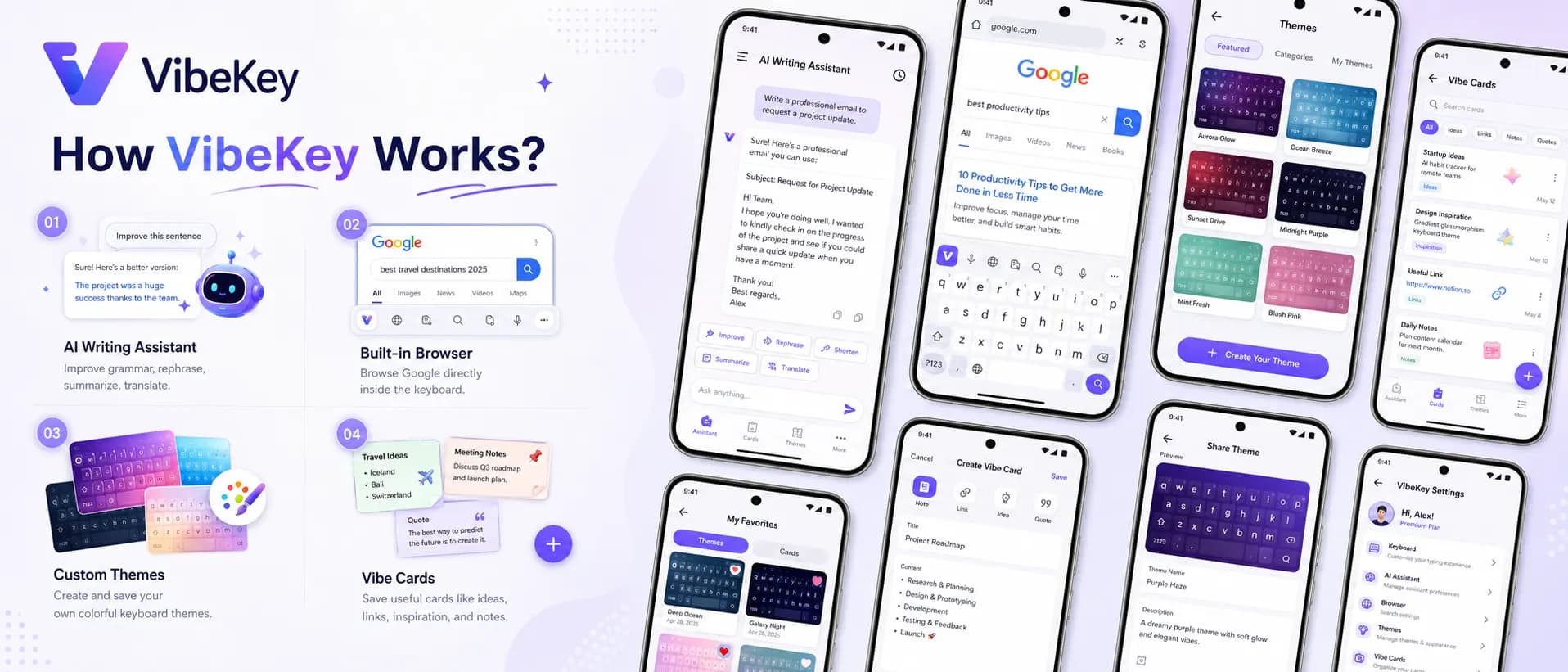
A senior-led pod handling design, engineering, and delivery end-to-end.
iOS Engineer
Android Engineer
Backend Engineer
UI/UX Designer
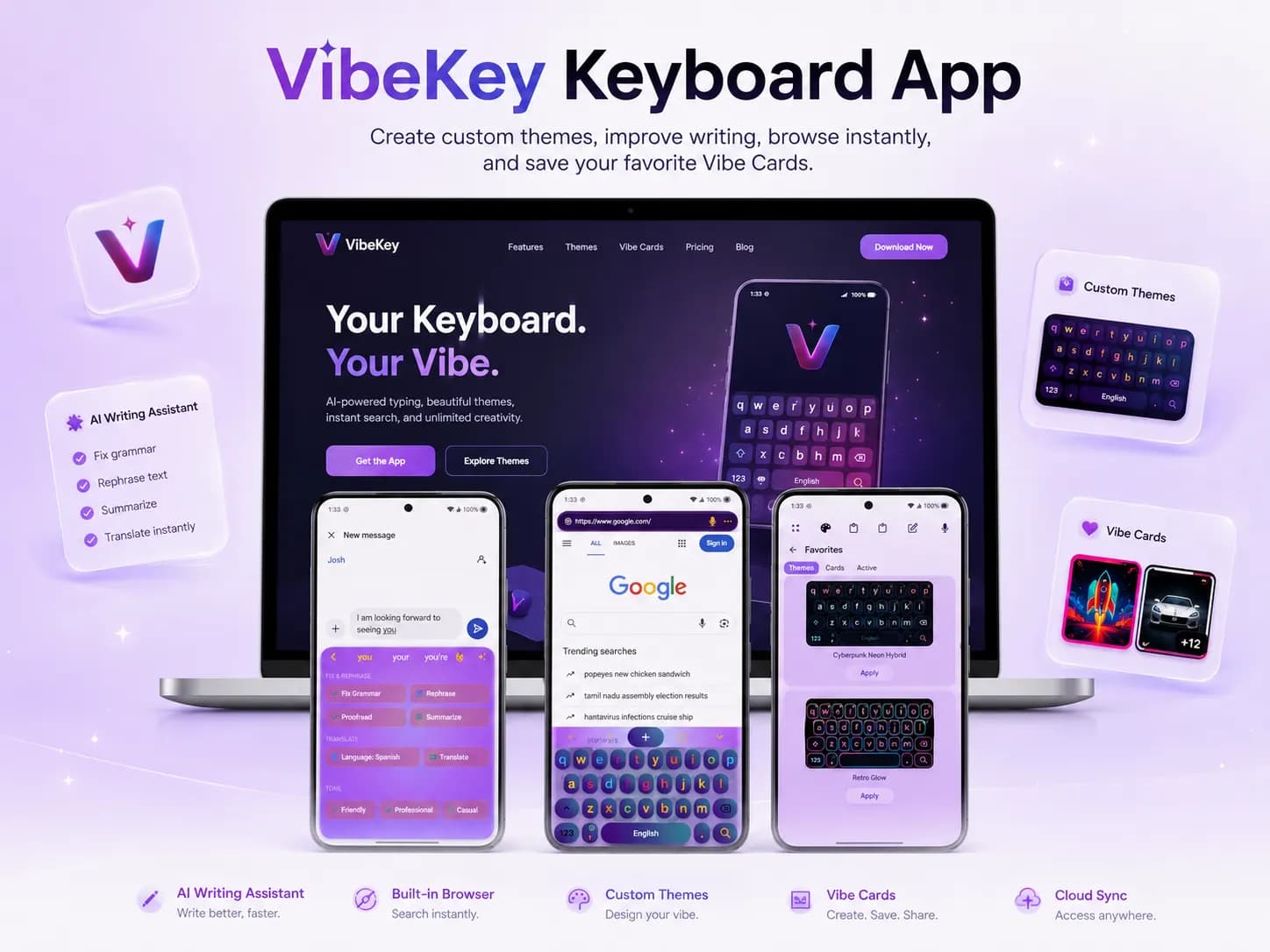
Although widely used, the platform had a mid-level user experience, lacking modern personalisation and AI-powered features that today's users expect.
Standard keyboards offered minimal customisation, leaving users unable to tailor the experience to their taste.
Users had to jump between apps to search, share, or express themselves, breaking the flow of conversation.
Messaging felt flat — no way to add personality or context beyond plain text and emoji.
Finding GIFs, images, or references required leaving the keyboard entirely.
Users increasingly expect the keyboard itself to help them write faster and more clearly.
Feature-rich keyboards often slow the device down or drain battery, hurting daily usability.
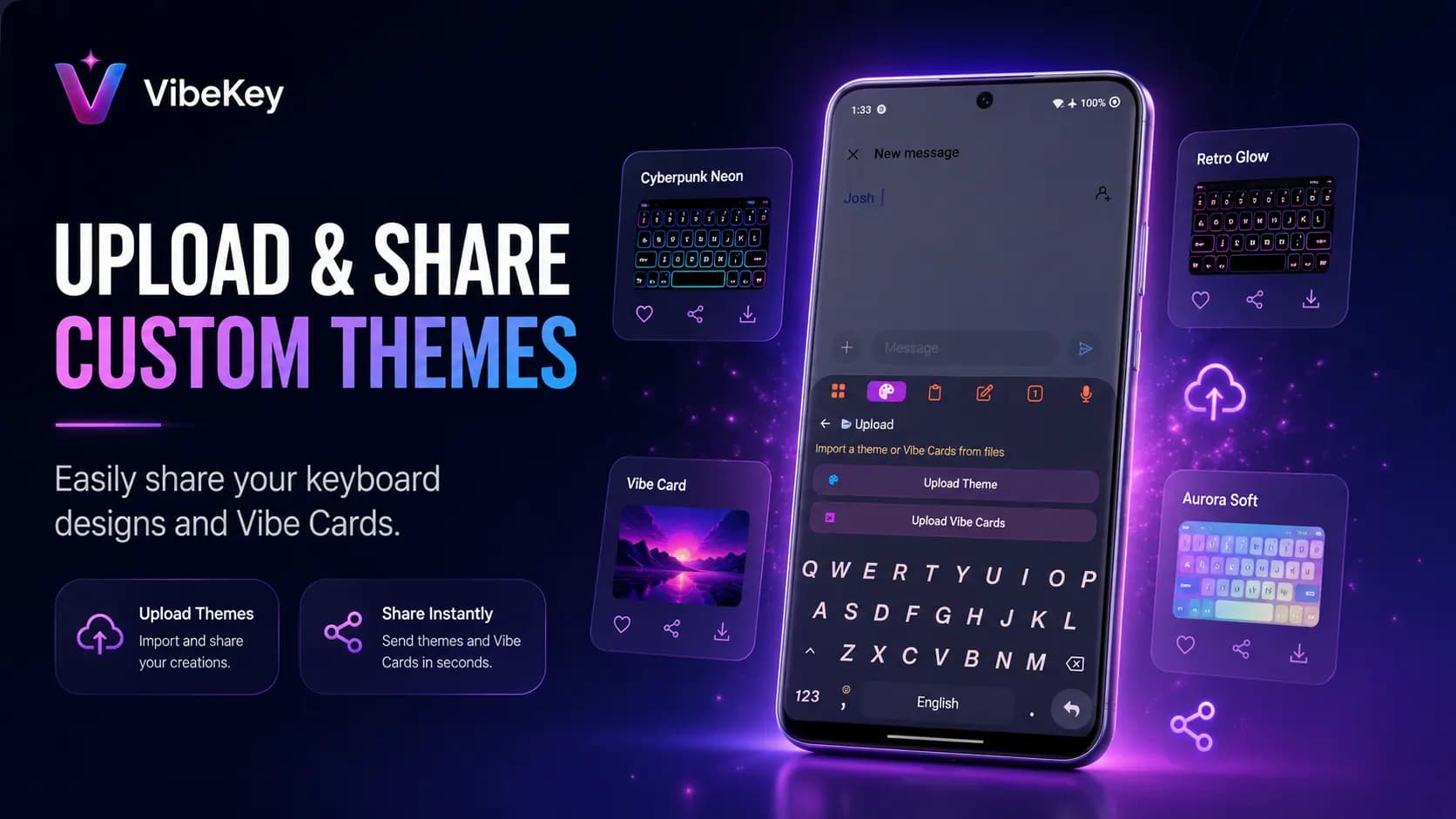
Rebuilt the core input layer with a fast, responsive engine and a fresh visual system that feels native.
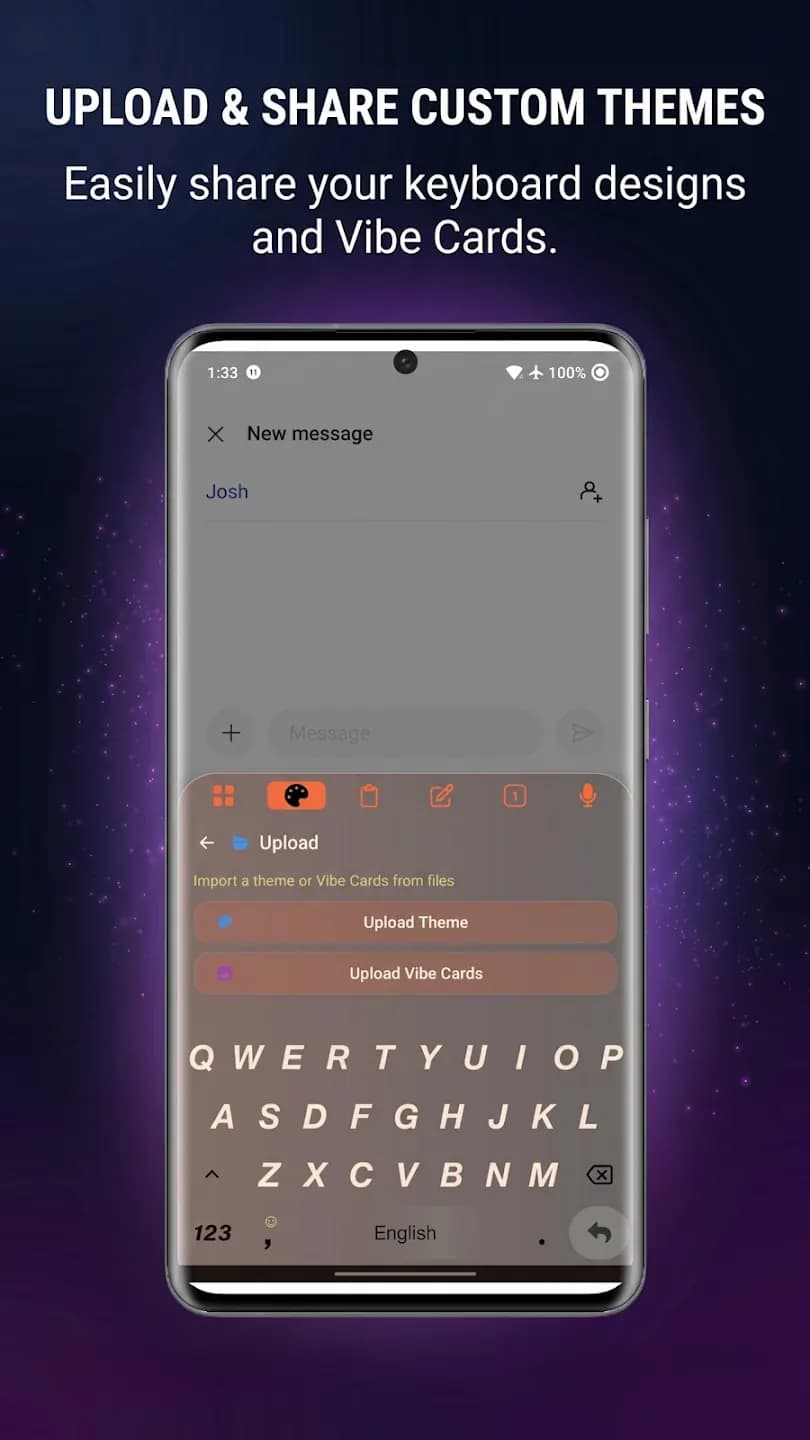
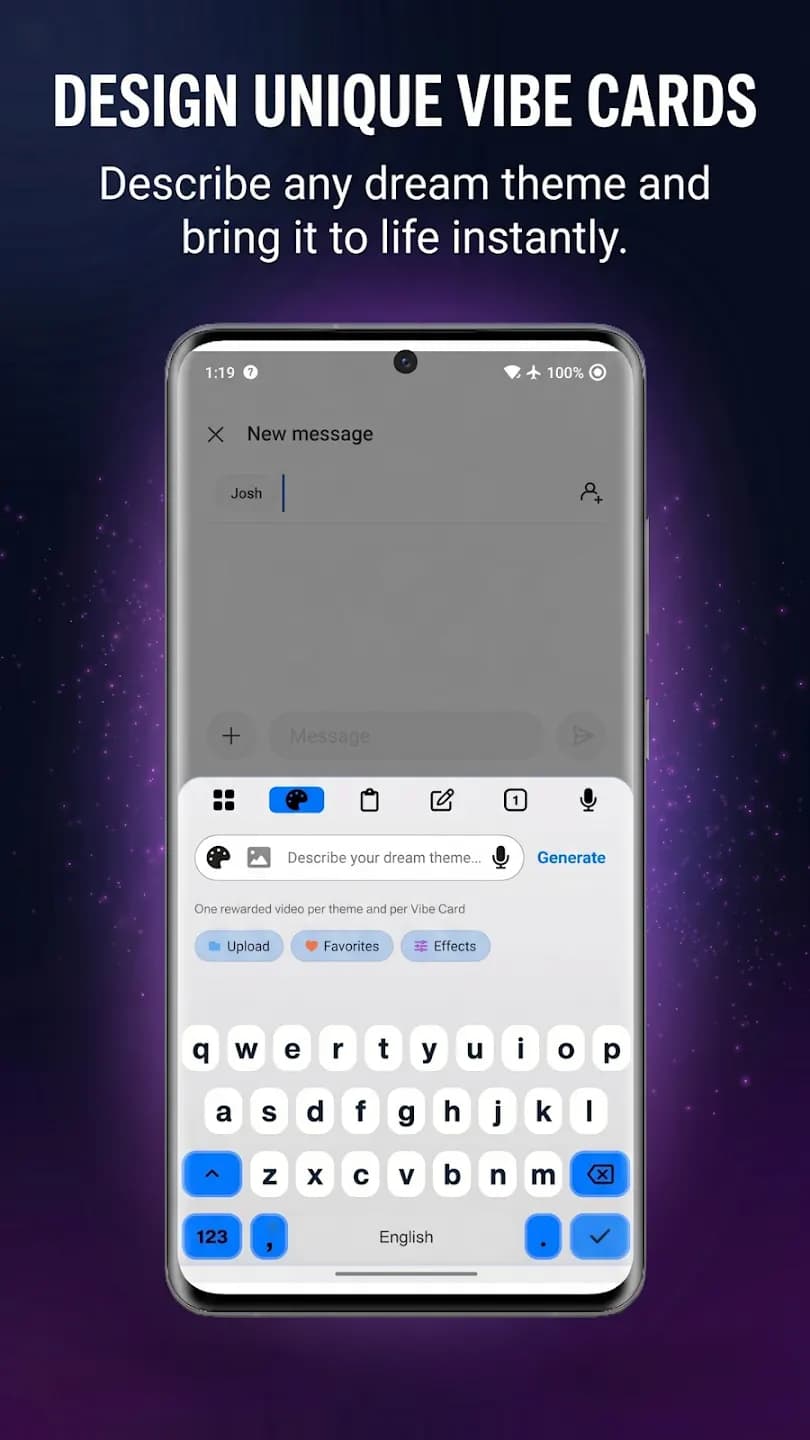
Custom themes, layouts, and Vibe Cards let users make the keyboard their own.
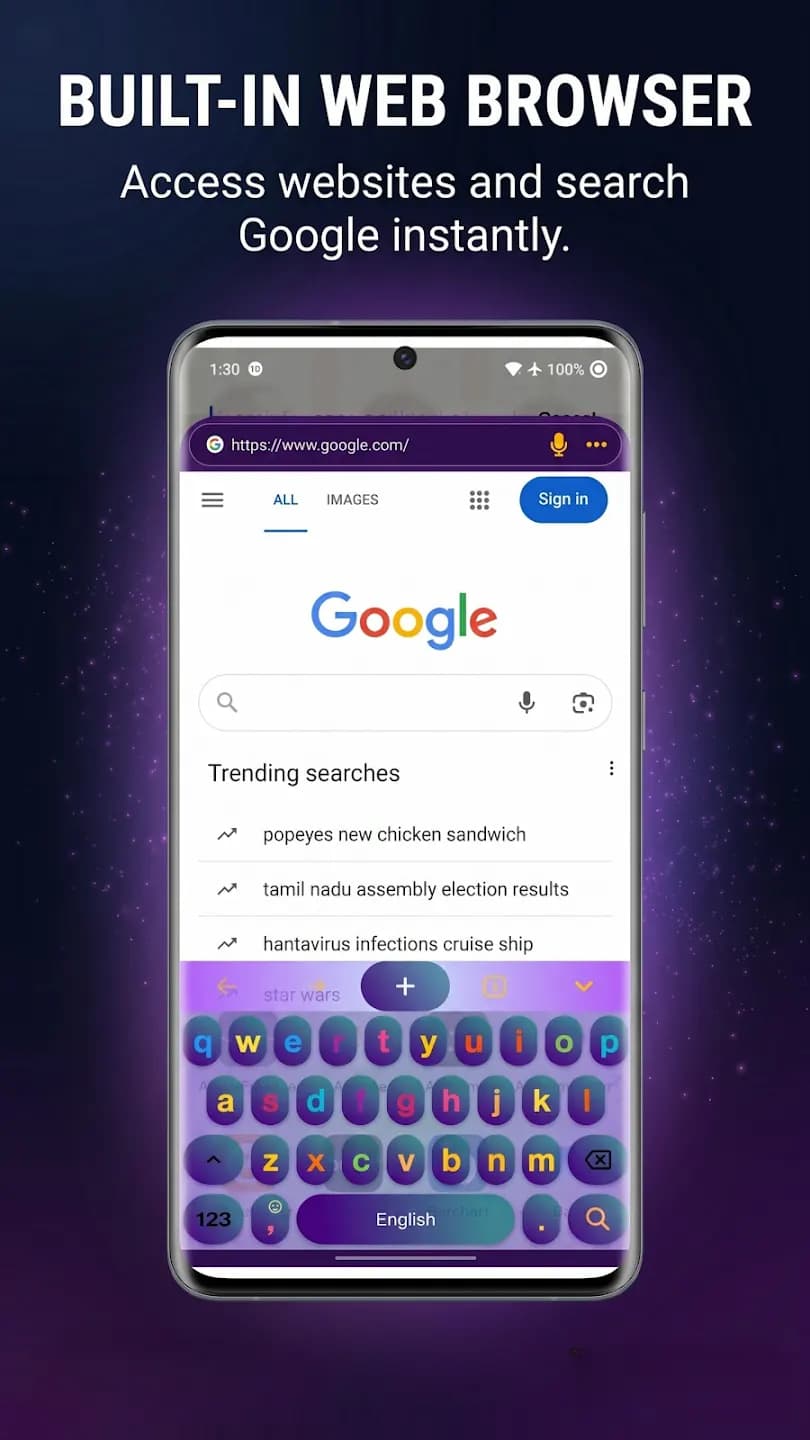
Built-in browsing and content search remove the need to app-switch mid-conversation.
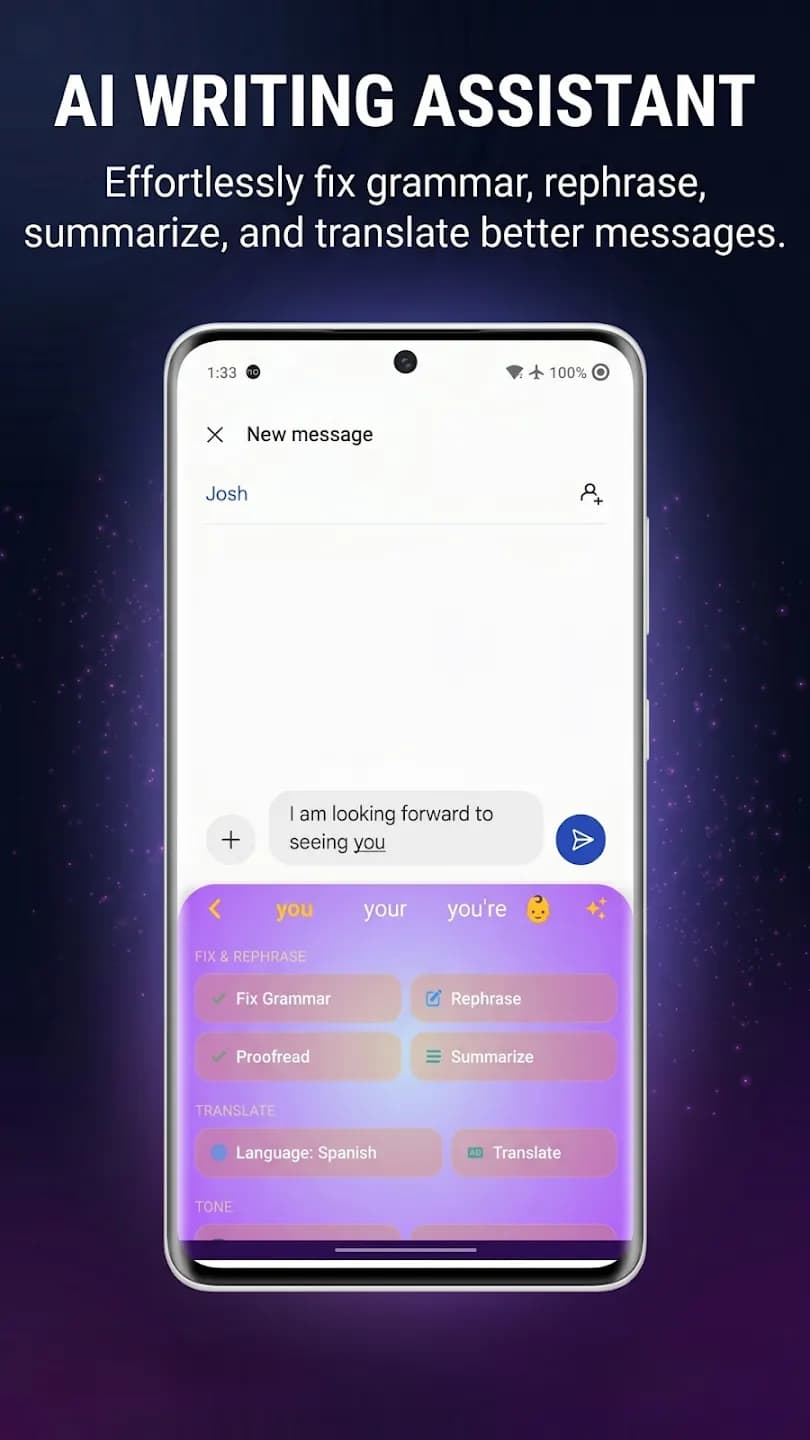
In-line suggestions, tone adjustments, and quick rewrites help users write faster with less friction.
One-tap sharing of images, GIFs, and Vibe Cards keeps the flow inside any messaging surface.
Optimised the runtime so the keyboard stays fast even with the full feature set active.
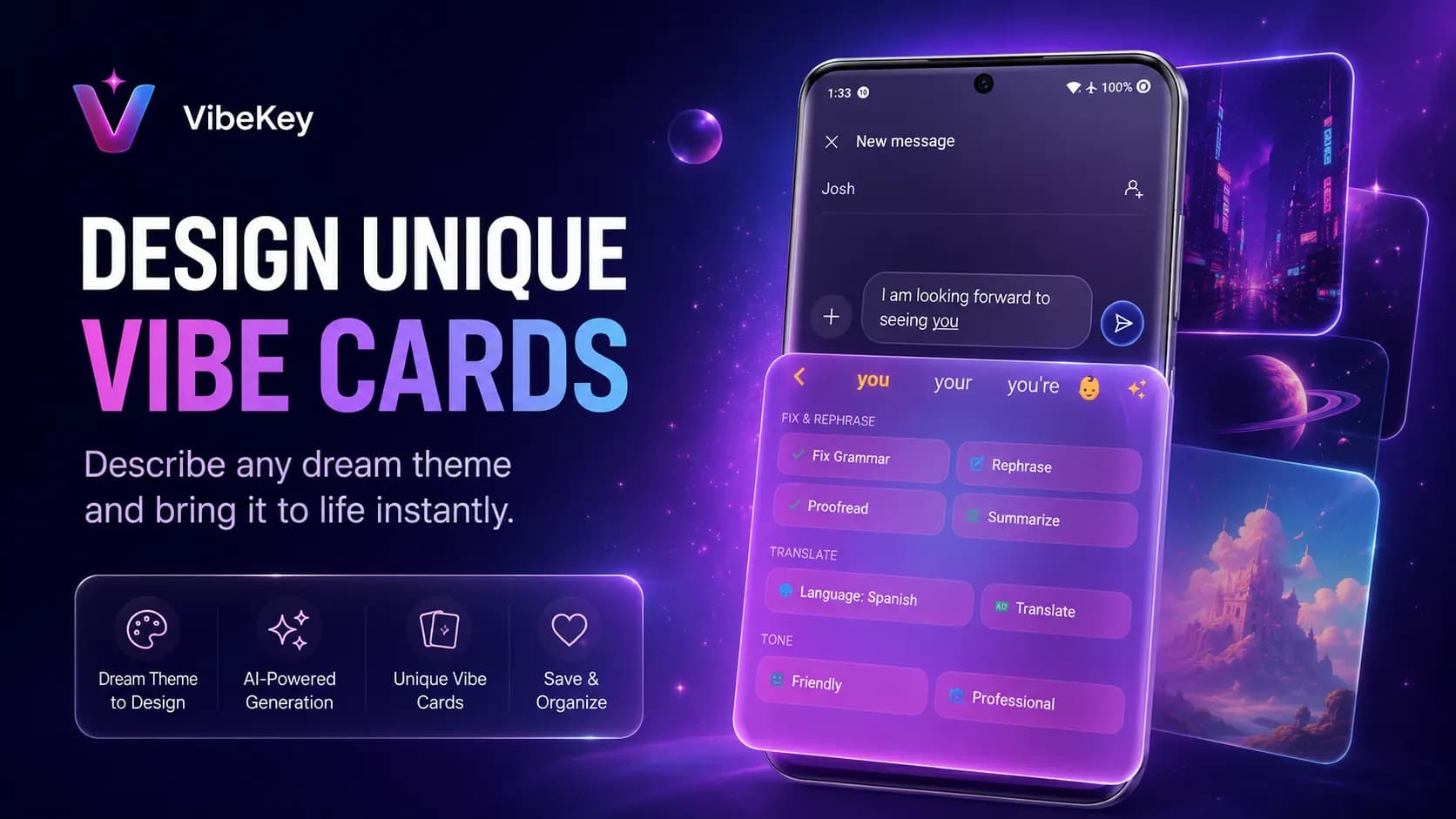
A tour through the shipped surfaces — key user journeys, admin flows, and the small details that make the product feel like itself.
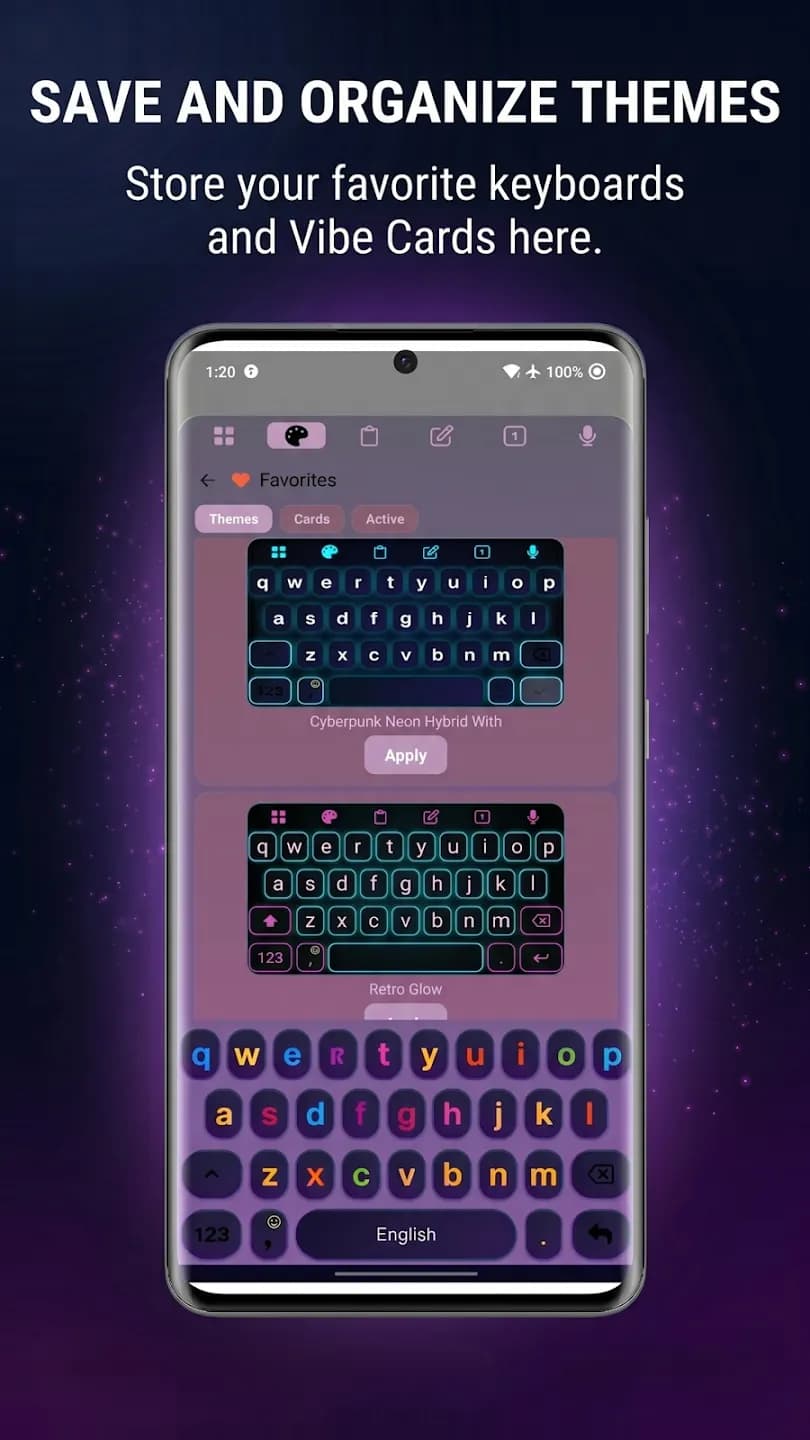
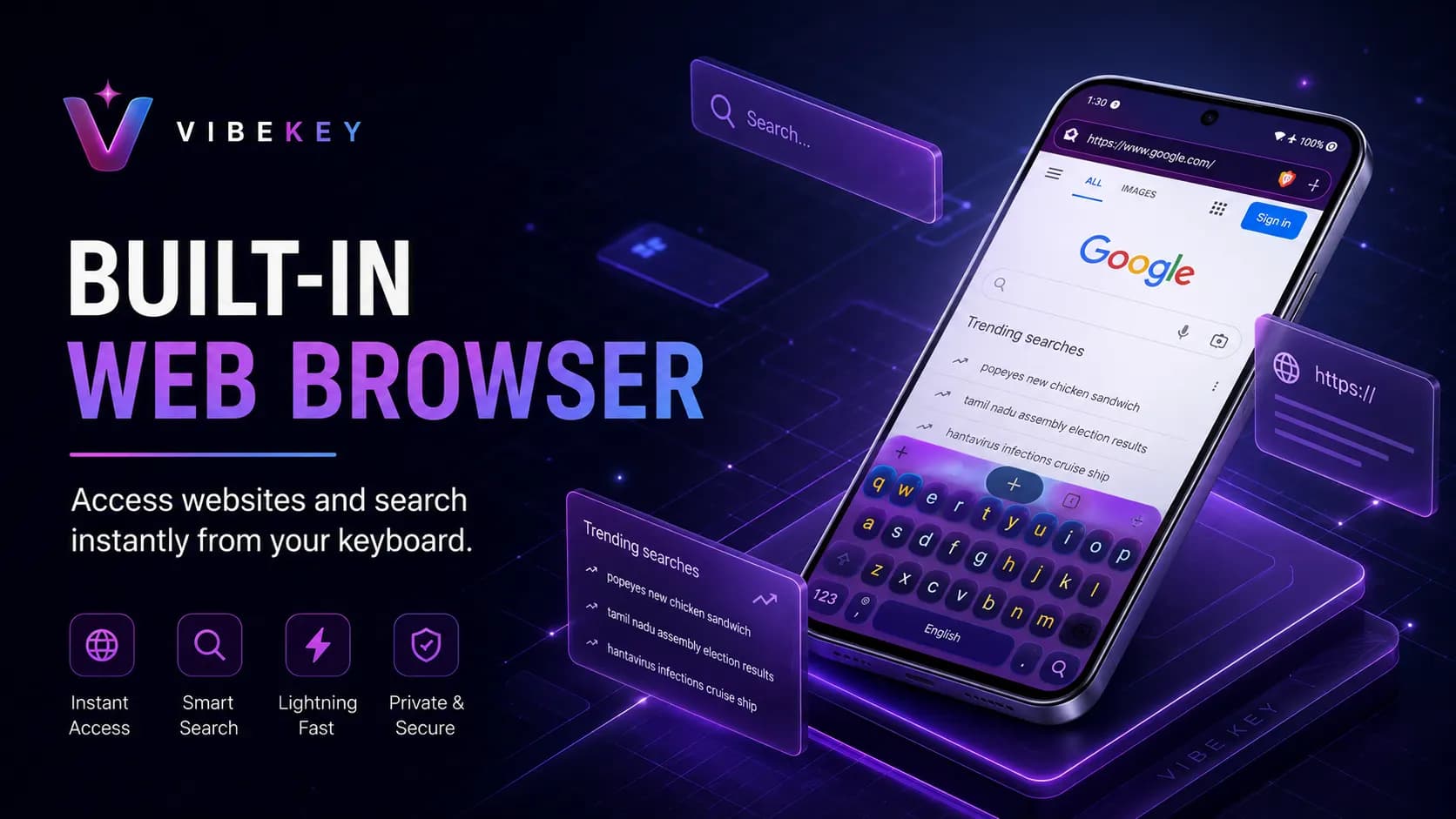
Reduced App Switching
Improved User Engagement
User Satisfaction
Less App Crash
Android App
Mobile
Custom Keyboard
Input Method
AI Keyboard
Smart Input
AI Writing
Assistant
Content Discovery
Recommendation
Personalization
Custom Experience
“Jigar is an outstanding developer who led the creation of an advanced Android keyboard with integrated Web3 features. His ability to blend cutting-edge technology with practical application is exceptional. Jigar's technical expertise, visionary leadership, and deep understanding of Web3 truly set him apart. He's a highly recommended asset for any team.”
Jorge Checo
Clickweb3 — the Web3 Keyboard
Founders keep coming back for the same three reasons.
Senior-led pod
The team that scopes the project stays close through delivery, with senior engineers leading the work.
Weekly demos, real progress
You see working software every week. If we're off-track you find out fast, not at delivery.
We stay after launch
Ship it and disappear isn't our model. We stay for the first weeks so nothing breaks on your watch.
Free 30-minute call. We'll pressure-test your idea, sketch a plan, and tell you honestly if we're the right fit — no pitch deck, no nurture sequence.
Book a free consultationOr email hello@coredronsolutions.com
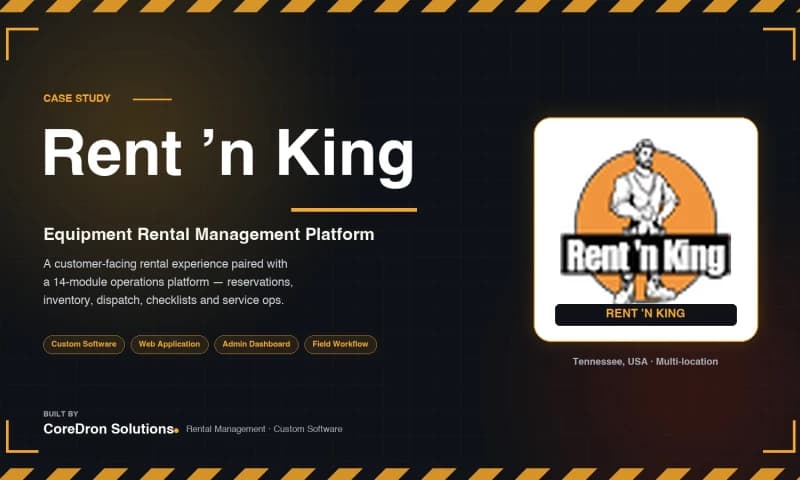
Website development
A custom equipment rental management platform for a direct equipment rental company — combining online reservations, equipment operations, delivery and return inspections, and service workflows across two Tennessee locations.
Read case study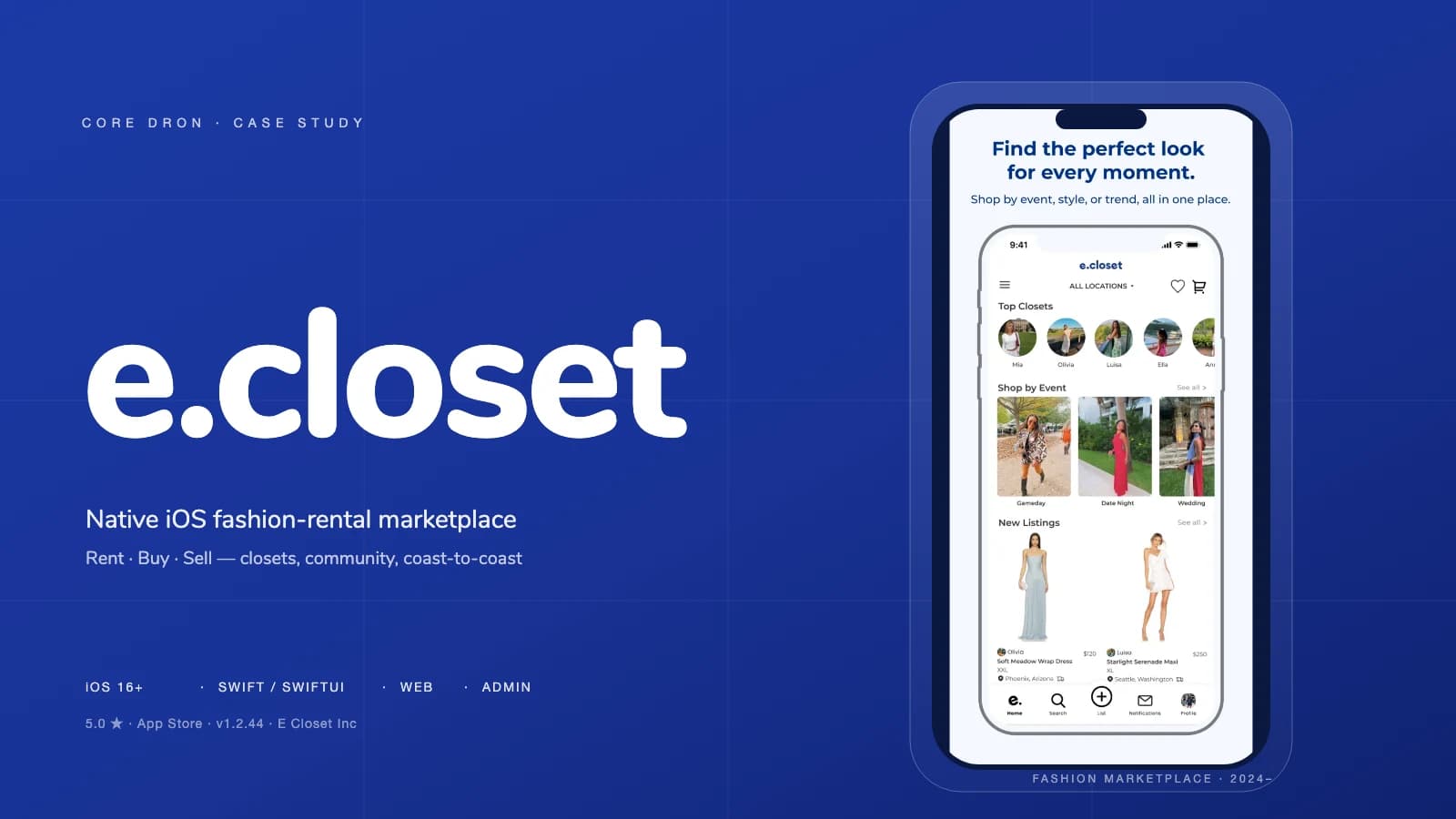
Mobile App Development
A peer-to-peer fashion marketplace where users rent or buy clothing from other closets, list pieces they already own, and connect directly with people in the marketplace — delivered as a native SwiftUI iOS app with a supporting website and administration platform.
Read case study
Mobile
An iOS and Android music app bringing DJ Lonnie B's mixes, playback, Favorites and live content into a dedicated mobile destination.
Read case studyWhat we built here is one of many things we ship. Explore the services that power case studies like this.
SaaS platforms, internal tools, and enterprise systems built from scratch.
Native iOS, Android and cross-platform apps engineered for scale.
Web applications, dashboards and marketing sites built on modern stacks.
LLM integrations, autonomous agents and ML-backed product features.
Storefronts, headless commerce and multi-vendor marketplaces.
MVPs through mature multi-tenant platforms, billing to onboarding.
We use cookies to measure site usage and improve experience. You can accept or decline analytics cookies.
